Social Media Image Resizer
Resize images to the recommended size for each social platform, with a preview of exactly what gets cropped.
- Free, no signup
- Files stay on your device
- No watermark
See it in action
A landscape portrait reframed for an Instagram portrait post (4:5).
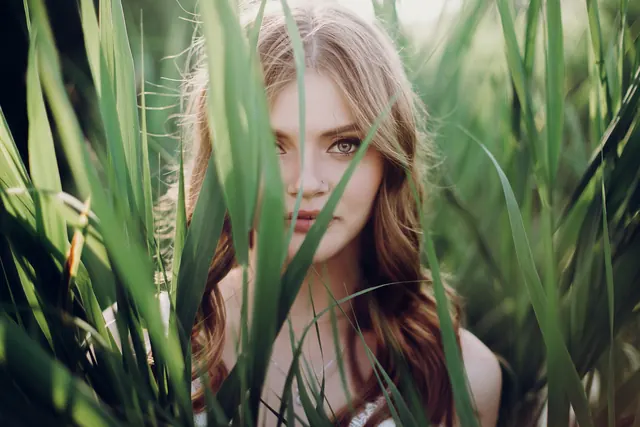
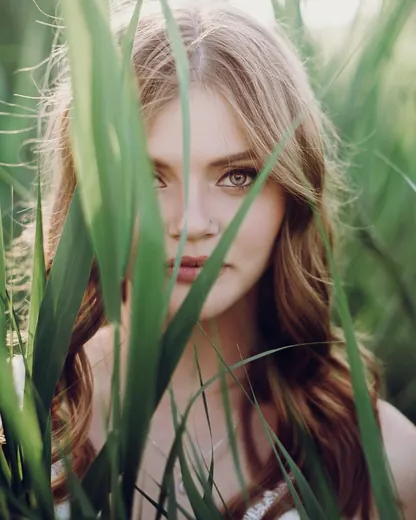
- 91% smaller
- 3,000 × 2,000 → 1,080 × 1,350 px
Actual output of this tool, measured on 16 October 2026. Sample image used under licence.
How to use it
- Add your images.
- Choose a platform and format.
- Check the preview, then download.
What Social Media Resize does
Resizes and crops (or pads) each image to a platform’s recommended dimensions.
When to use it
- Posting the same photo to several platforms.
- Making a YouTube thumbnail or a LinkedIn banner.
Good to know
- “Fill and crop” trims edges from the centre; “Pad” keeps the whole image and adds a background color.
- Based on the platform’s own published guidance: Instagram posts and stories (1080 px wide at 1:1, 4:5 or 9:16), Facebook cover (851 × 315, Facebook’s fastest-loading size), X header (1500 × 500), LinkedIn banner (1584 × 396), YouTube thumbnail (1280 × 720) and channel banner (2560 × 1440), and Pinterest pin (1000 × 1500, 2:3).
- Widely used sizes rather than platform rules: Facebook and LinkedIn shared images (1200 × 630 and 1200 × 627, the link-preview shape), X post image (1600 × 900) and TikTok cover (1080 × 1920).
- None of these are hard requirements. Platforms accept other sizes, and may still crop or re-compress what you upload.
Privacy
Your files are processed inside your browser and not uploaded to any server. Closing or refreshing the page clears them. We don’t keep copies.
Limitations
- Crops from the centre; for a custom crop, use Crop Image first.
Frequently asked questions
Are these the official sizes?
They’re widely used recommended sizes, but platforms update their guidance and may still crop or re-compress images in their apps. Check the platform’s own help pages if an exact size matters.
Which platforms are included?
Instagram (square, portrait and Story/Reel), Facebook, X, LinkedIn, YouTube (thumbnail and banner), TikTok and Pinterest.
What if my photo is a different shape?
Choose Fill and crop to fill the frame and trim the edges, or Pad to keep the whole photo and add a background color.
Will the image lose quality?
It’s resized to the platform’s size and saved at high quality, so it looks sharp when the platform displays it.