Compress Image to KB (20 KB, 50 KB, 100 KB…)
Compress an image to or under a size you choose, such as 100 KB for an application form. You’ll see the exact size achieved.
- Free, no signup
- Files stay on your device
- No watermark
See it in action
An online-store product photo that has to fit a 100 KB upload limit.
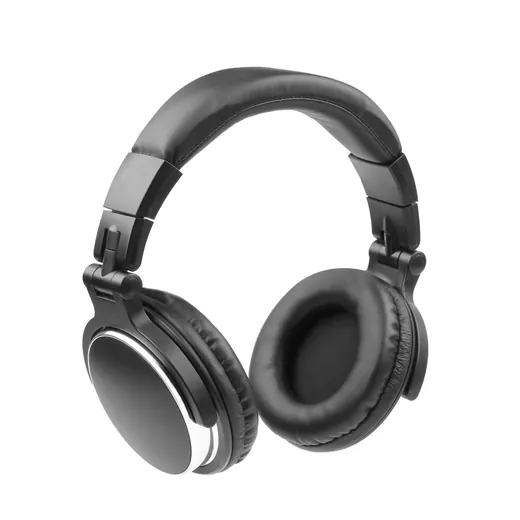
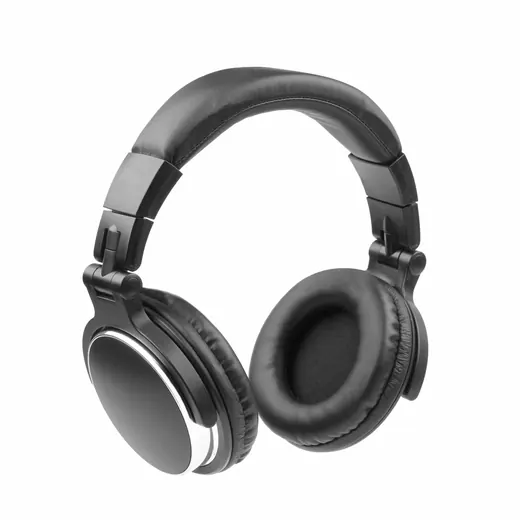
Zoomed to 100%: the same spot before and after
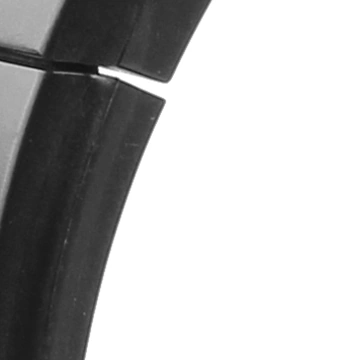
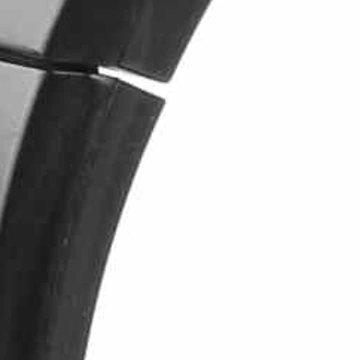
- 95% smaller
- 3,500 × 3,500 → 2,353 × 2,353 px
Target set to 100 KB. The tool lowered quality and size just enough to fit.
Actual output of this tool, measured on 16 October 2026. Sample image used under licence.
How to use it
- Add your image.
- Enter the maximum size in KB or MB.
- Compress, check the achieved size and quality, and download.
What Compress to KB does
Finds the highest quality that keeps the file at or under your target. If even the lowest sensible quality is too big, it reduces the dimensions step by step until it fits.
When to use it
- Government, job and exam application forms with size limits.
- Passport-style photos and document scans for online portals.
- Email or chat apps with attachment limits.
Good to know
- Results are “at or under” the target, never exactly the target: file formats can’t be sized to the byte.
- Output is JPG, or WebP if you choose it. Transparent PNGs become JPG with a white background, so check that’s acceptable.
- If dimensions had to be reduced, the result shows the new size in pixels.
Privacy
Your files are processed inside your browser and not uploaded to any server. Closing or refreshing the page clears them. We don’t keep copies.
Limitations
- Very small targets (under about 10 KB) may need large reductions in dimensions.
- If a form also requires exact pixel dimensions, resize first with Resize Image.
Frequently asked questions
Why is my file a bit under the target, not exactly on it?
Encoders work in quality steps, so we pick the best step that fits under your limit.
What if the form requires a JPG?
Keep the output on JPG, the default.
Do you count 1 KB as 1,000 or 1,024 bytes?
We count 1 KB as 1,024 bytes, the way Windows and most upload forms count. If a form says it uses 1,000-byte kilobytes, set the target a few KB lower to be safe.
What’s the largest target I can set?
Any target up to 10 MB. Most forms ask for something between 20 KB and 2 MB.