Bulk Image Resizer
Resize a whole batch of images to the same width, height or percentage, and download them all as a ZIP.
- Free, no signup
- Files stay on your device
- No watermark
See it in action
Three large photos resized together in one go and downloaded as a ZIP.
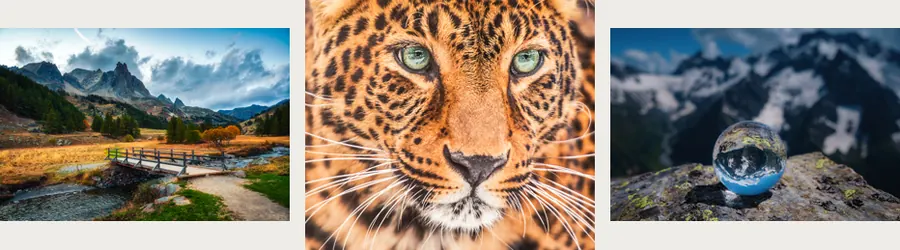
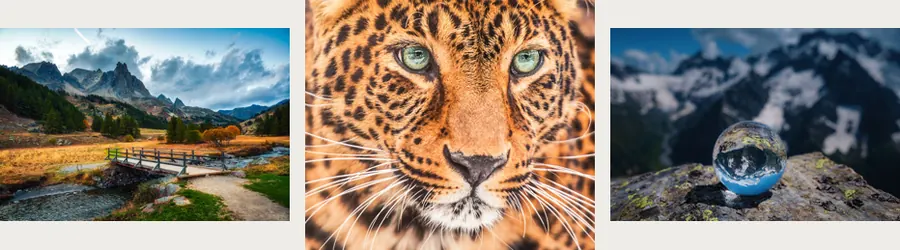
- 89% smaller in total
- Largest side now 1,000 px
Actual output of this tool, measured on 16 October 2026. Sample image used under licence.
How to use it
- Add up to 10 images.
- Set a percentage, or a maximum width and height.
- Resize, then download each image or all of them as a ZIP.
What Bulk Resize does
Applies one resize rule to every image in the batch, keeping each image’s own proportions, and lets you download the results together as a ZIP.
When to use it
- Product photos from different cameras that need the same maximum size.
- A set of holiday photos to shrink before sharing or emailing.
- Making a series of thumbnails at a consistent width.
Good to know
- Set a percentage (every image scales by the same amount), or a maximum width and height.
- “Fit inside” keeps portrait and landscape images inside your box without distortion, so their final sizes can differ.
- “Fill and crop” makes every image exactly the same size by trimming edges from the centre.
- Images already smaller than the target stay as they are, unless you allow enlarging.
- Each image keeps its format. JPG and WebP are re-encoded at quality 92, and PNG stays lossless.
Resize Image or Bulk Resize?
Resize Image is built around exact pixel dimensions, with a live preview of the result. Bulk Resize starts from a rule that suits many files of different sizes: a percentage, or a maximum box that every image must fit inside. Set it once and every file follows it.
Mixed sizes in one batch
With a maximum of 1200 × 1200, a 4000 × 3000 landscape becomes 1200 × 900, and a 3000 × 4000 portrait becomes 900 × 1200. Both fit the box and neither is stretched. If every image must be exactly 1200 × 1200, choose “Fill and crop”, or crop each one first with Crop Image to control what is kept. To shrink the files further, continue with Compress Image.
Privacy
Your files are processed inside your browser and not uploaded to any server. Closing or refreshing the page clears them. We don’t keep copies.
Limitations
- Up to 10 files per batch, 50 MB each.
Frequently asked questions
Will differently shaped photos be cropped?
Not with the default “Fit inside” option. Choose “Fill and crop” only if every image must be exactly the same size.
Are my original files changed?
No. New resized copies are created for download; your originals stay as they are.
What size does Bulk Resize use by default?
50% of each image’s original size. Switch to Pixels to give every image the same width or height instead.
How do I download all the resized images?
Press Download all (ZIP) to get them in one file, or download each image separately.