HEIC to JPG Converter
Turn iPhone HEIC photos into JPG files that open anywhere: Windows, Android, websites and upload forms. Convert a batch at once.
- Free, no signup
- Files stay on your device
- No watermark
See it in action
A HEIC photo of a crystal ball, converted to JPG so it opens on Windows, Android and upload forms.
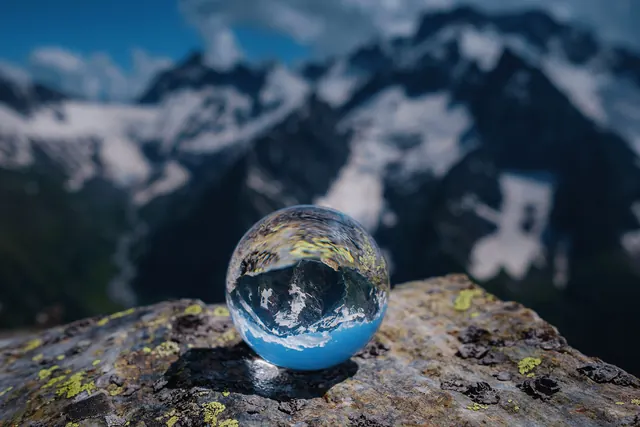
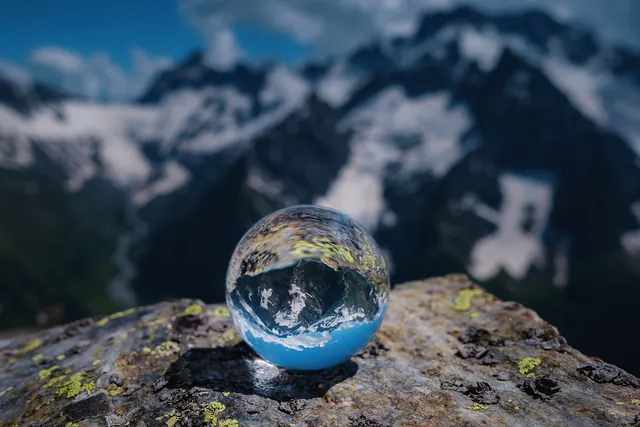
Zoomed to 100%: the same spot before and after
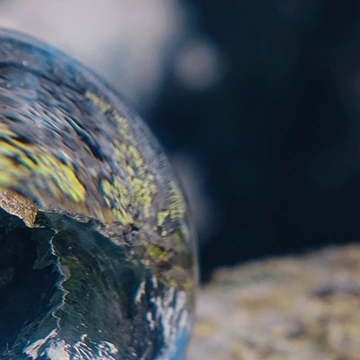
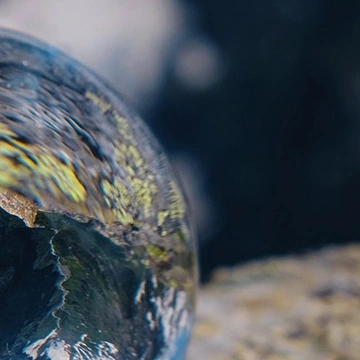
- 56% smaller
- Same 2,000 × 1,333 pixels
Actual output of this tool, measured on 16 October 2026. Sample image used under licence.
How to use it
- Drop your HEIC files in, or choose them.
- Press Convert.
- Download each JPG, or all of them as a ZIP.
What HEIC to JPG does
Decodes each HEIC (HEIF) photo and saves it as a high-quality JPG with the same dimensions. iPhones save photos as HEIC when the camera is set to “High Efficiency”, and many Windows apps, websites and application forms still can’t open them.
When to use it
- An upload form or website says the file type isn’t supported.
- You want to open iPhone photos on a Windows PC or Android phone.
- You’re sending photos to someone whose app can’t show HEIC.
Good to know
- The JPG is usually larger than the HEIC, because HEIC compresses more efficiently. Quality is set high (92) so the difference is hard to see.
- Live Photos: only the still image is converted. A HEIC that holds several images (such as a burst) converts its first image.
- Camera rotation is applied, so photos appear the right way up. Location and other EXIF metadata are not copied into the JPG.
- Safari opens HEIC by itself. In Chrome, Edge and Firefox the page downloads an open-source HEIC decoder (libheif, about 1.5 MB) the first time you use it. It runs on your device; your photos are never sent anywhere.
Stop your iPhone saving HEIC
If you’d rather get JPGs straight from the camera, open Settings → Camera → Formats on your iPhone and choose Most Compatible. Photos you already took stay HEIC, which is what this converter is for.
Privacy
Your files are processed inside your browser and not uploaded to any server. Closing or refreshing the page clears them. We don’t keep copies.
Limitations
- Up to 10 files per batch, 50 MB each.
- Very large images (over about 16 megapixels) may fail on some phones; you’ll see a clear message if so.
Frequently asked questions
Is my photo uploaded?
No. Decoding and converting happen in your browser. Closing the page clears everything.
Why is the JPG bigger than the HEIC?
HEIC uses a newer, more efficient compression method. JPG needs more bytes for similar quality. If size matters, use Compress JPG or Compress to KB afterwards.
Will I lose quality?
JPG is a lossy format, so there is a small, usually invisible change. For a lossless copy, use HEIC to PNG instead.
Why does it take a few seconds the first time?
Outside Safari, the HEIC decoder (about 1.5 MB) downloads once. After that, conversions start straight away.