Compress WebP Images
Make WebP images smaller by re-encoding them at a lower quality. Transparency is kept.
- Free, no signup
- Files stay on your device
- No watermark
See it in action
A high-quality WebP of a mountain landscape.
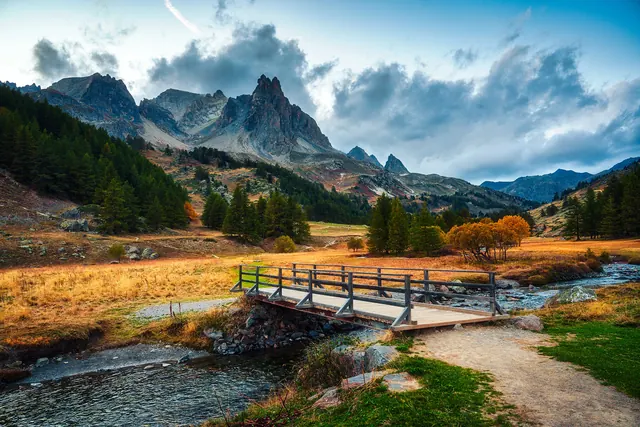
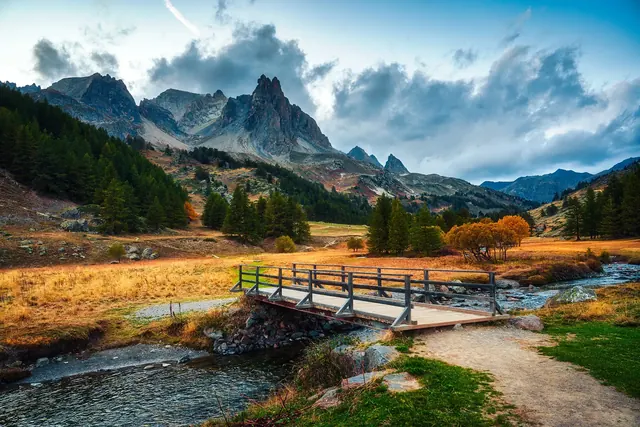
Zoomed to 100%: the same spot before and after
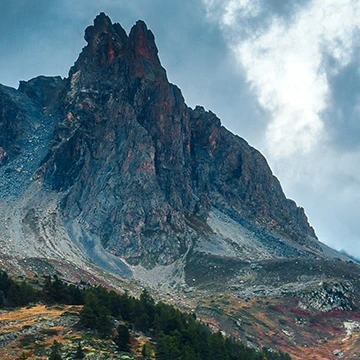
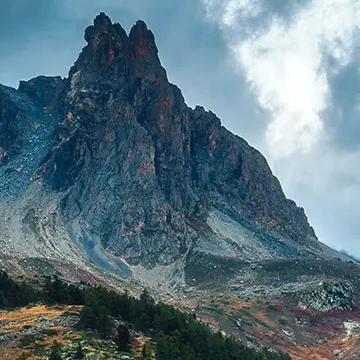
- 54% smaller
- Same 2,000 × 1,333 pixels
Actual output of this tool, measured on 16 October 2026. Sample image used under licence.
How to use it
- Add WebP files.
- Set the quality.
- Compress and download.
What Compress WebP does
Decodes each WebP and saves it again as WebP at the quality you choose, keeping transparency, then shows the size saved for each file.
When to use it
- A WebP on your website is still too heavy.
- An upload form limits file size and needs a WebP.
- Another tool exported the WebP at a very high quality.
Good to know
- WebP is already a compressed format. Saving it again at a lower quality adds new loss on top of the old.
- Savings can be small: a WebP saved at quality 75 won’t get much smaller at 70. If the result isn’t smaller, keep the original.
- Creating WebP depends on your browser. The tool checks for support first.
Resize before you recompress
File size follows pixel count. A WebP 4,000 pixels wide shown at 1,200 pixels carries about ten times the pixels it needs. Resizing it with Resize Image cuts far more than dropping quality from 80 to 60, without visible damage. Compress afterwards if you still need to.
Start from the original if you can
Each lossy save loses a little more. If you still have the original PNG or a high-quality JPG, convert that directly with PNG to WebP or JPG to WebP, rather than squeezing an existing WebP. For a hard size limit, Compress to KB can target a size in KB with WebP output.
Privacy
Your files are processed inside your browser and not uploaded to any server. Closing or refreshing the page clears them. We don’t keep copies.
Limitations
- Up to 10 files per batch, 50 MB each.
- Animated WebP: only the first frame is kept.
Frequently asked questions
Why is the result barely smaller?
The WebP was probably already saved at a moderate quality. Lower the quality further, resize it, or keep the original.
Can I compress WebP to an exact size?
Use Compress to KB and choose WebP as the output.
Should I convert my WebP to JPG instead?
Only if an app or form can’t open WebP. WebP is usually smaller than JPG at the same quality, so compressing it as WebP gives the smallest file. Use WebP to JPG when you need compatibility.
What quality should I choose?
The default of 75 suits most photos on websites. Lower it for thumbnails and previews, or raise it above 85 for images where fine detail matters.