WebP to JPG Converter
Convert WebP images, such as pictures saved from websites, to JPG so they open in any app.
- Free, no signup
- Files stay on your device
- No watermark
See it in action
A leopard photo saved as WebP, converted to a JPG that any app can open.
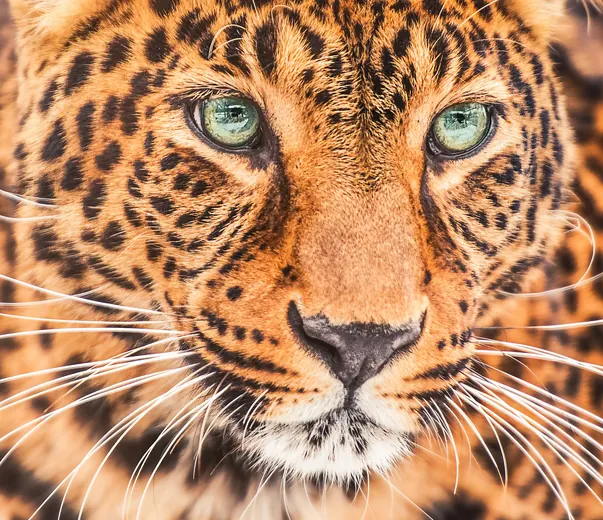
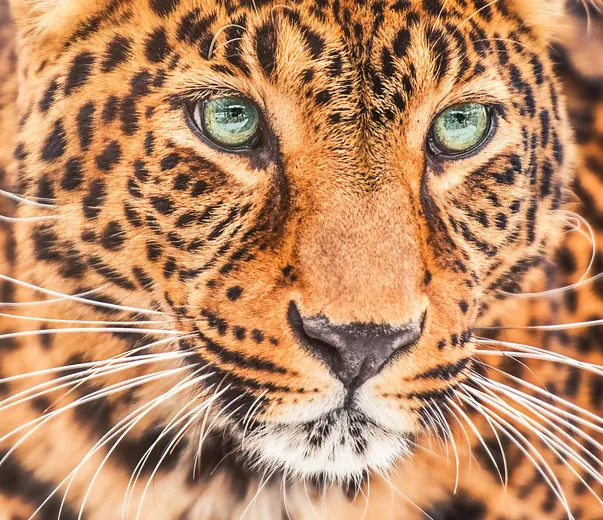
Zoomed to 100%: the same spot before and after
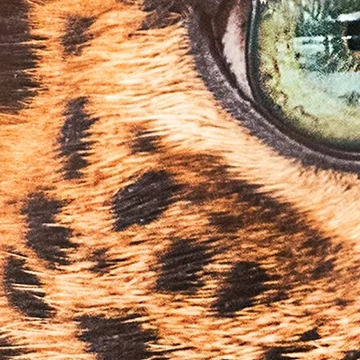
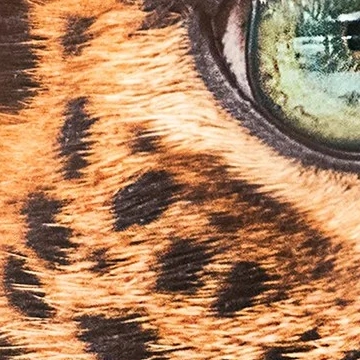
- Same 2,000 × 1,725 pixels
WebP compresses more efficiently than JPG, so the JPG is a little larger. Detail is unchanged.
Actual output of this tool, measured on 16 October 2026. Sample image used under licence.
How to use it
- Add your WebP files.
- Choose quality and a background color.
- Press Convert and download.
What WebP to JPG does
Decodes each WebP image and saves it as a JPG at your chosen quality, filling any transparent areas with a background color.
When to use it
- An image you saved from a website is WebP and your editor won’t open it.
- You need JPG for printing, documents or an upload form.
Good to know
- WebP can contain transparency; JPG can’t. Transparent areas become your chosen background color, and we tell you when a file had transparency.
- Animated WebP files are converted as their first frame only.
- To keep transparency, use WebP to PNG instead.
Privacy
Your files are processed inside your browser and not uploaded to any server. Closing or refreshing the page clears them. We don’t keep copies.
Limitations
- Up to 10 files per batch, 50 MB each.
- Animated WebP: first frame only.
Frequently asked questions
Why do websites use WebP?
WebP files are usually 25–35% smaller than JPG at similar quality, so pages load faster.
Will my WebP keep its transparency?
Not as a JPG, because JPG doesn’t support transparency. Use WebP to PNG to keep it.
Why is the JPG bigger than the WebP?
WebP compresses more efficiently than JPG, so the same picture needs more bytes as a JPG. That’s normal and doesn’t mean quality was added.
Can I convert several WebP files at once?
Yes, up to 10 per batch, downloaded one by one or as a ZIP.