JPG to WebP Converter
Convert JPG photos to WebP for faster web pages. Each result shows the size before and after.
- Free, no signup
- Files stay on your device
- No watermark
See it in action
A detailed mountain landscape, converted from JPG to WebP.
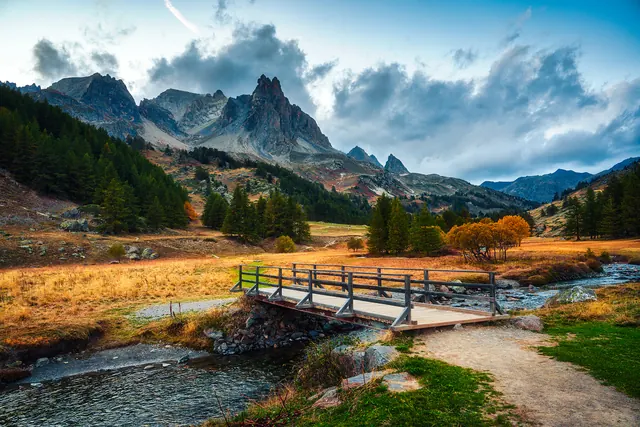
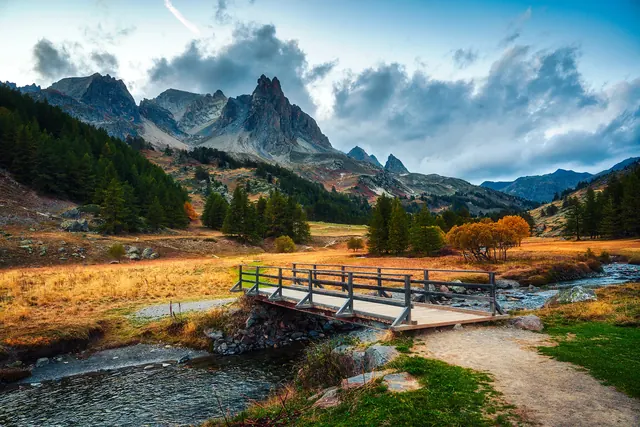
Zoomed to 100%: the same spot before and after
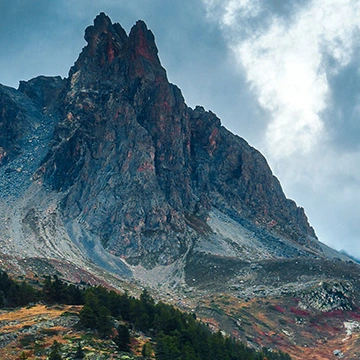
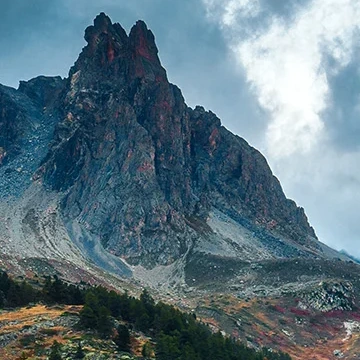
- 48% smaller
- Same 2,000 × 1,333 pixels
Actual output of this tool, measured on 16 October 2026. Sample image used under licence.
How to use it
- Add your JPGs.
- Set quality (85 is a good balance).
- Convert and compare sizes, then download.
What JPG to WebP does
Re-encodes each JPG as a WebP file at the quality you choose and reports the size change.
When to use it
- Speeding up a website or online shop.
- Meeting a page-weight budget.
- Storing many photos in less space.
Good to know
- At quality 80–85, WebP is typically 25–35% smaller than the JPG with very similar appearance.
- If WebP wouldn’t be smaller, we tell you, and you can keep the original.
- Creating WebP depends on your browser. The tool checks for support before converting, and tells you if this browser can’t create WebP.
Privacy
Your files are processed inside your browser and not uploaded to any server. Closing or refreshing the page clears them. We don’t keep copies.
Limitations
- Up to 10 files per batch, 50 MB each.
- If your browser can’t create WebP, the tool says so before converting.
Frequently asked questions
Do all browsers show WebP?
All current major browsers display WebP, including Safari 14+. Some older apps and email clients don’t.
How much smaller is WebP than JPG?
Usually noticeably smaller at similar quality. In our example, a 1.5 MB landscape JPG became an 820 KB WebP, about 48% smaller, with the same dimensions.
What quality is used?
Quality 92 by default, so the WebP looks the same as the JPG. Lower it for even smaller files.
Can I convert the WebP back to JPG later?
Yes, with WebP to JPG. Each lossy conversion loses a little detail, so keep your original JPG if you might need it again.