AVIF to JPG Converter
Change AVIF images saved from websites into JPG files that every app, phone and upload form accepts.
- Free, no signup
- Files stay on your device
- No watermark
See it in action
A photo of fresh apples saved as AVIF, converted to JPG.
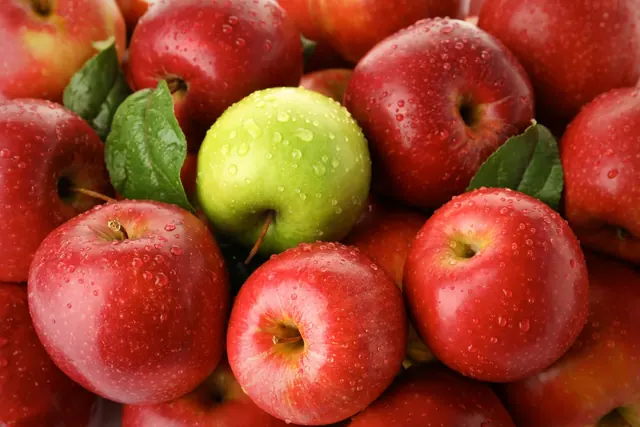
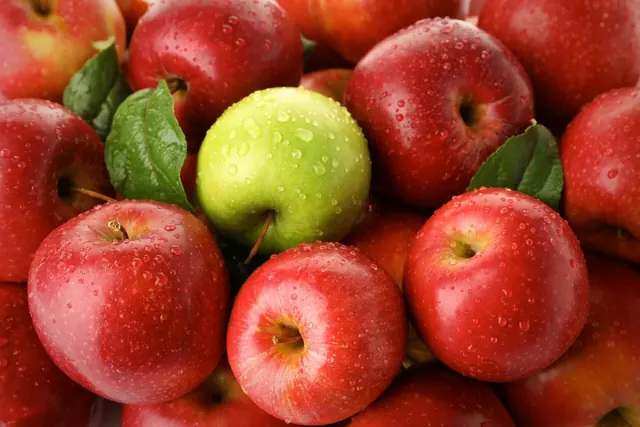
Zoomed to 100%: the same spot before and after
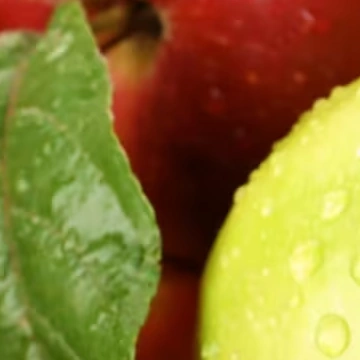
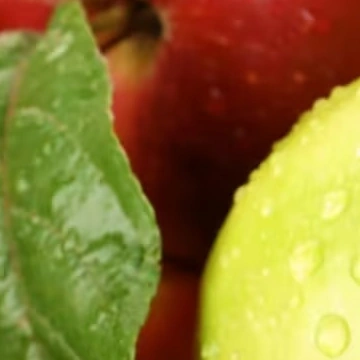
- Same 2,400 × 1,600 pixels
AVIF is one of the most efficient formats, so the JPG needs more bytes for the same picture.
Actual output of this tool, measured on 16 October 2026. Sample image used under licence.
How to use it
- Drop your AVIF files in, or choose them.
- Press Convert.
- Download each JPG, or all of them as a ZIP.
What AVIF to JPG does
Reads each AVIF image with your browser’s built-in decoder and saves it as a JPG at the same size. AVIF is a newer, very efficient format many websites now use, which is why images you save from the web sometimes end in .avif.
When to use it
- An image you saved from a website won’t open in your photo viewer or editor.
- An upload form only accepts JPG or PNG.
- You need to send the image to someone using older software.
Good to know
- Transparent areas become white, because JPG has no transparency. Use AVIF to PNG to keep them.
- Animated AVIF files convert their first frame.
- Your browser must be able to display AVIF: current Chrome, Edge, Firefox and Safari 16 or later can. If it can’t, you’ll see a clear message.
- The JPG is usually larger than the AVIF; AVIF is one of the most efficient formats available.
Why websites use AVIF
At similar visual quality, AVIF files are often much smaller than JPG, so pages load faster. The trade-off is compatibility: many desktop apps and older phones can’t open them yet.
Privacy
Your files are processed inside your browser and not uploaded to any server. Closing or refreshing the page clears them. We don’t keep copies.
Limitations
- Up to 10 files per batch, 50 MB each.
- Very large images (over about 16 megapixels) may fail on some phones; you’ll see a clear message if so.
Frequently asked questions
Is anything uploaded?
No. Your browser decodes and converts the image on your device.
It says the image couldn’t be read. Why?
Your browser may not support AVIF, or the file may be damaged. Update your browser or try another one.
Will the JPG look worse?
At quality 92 the difference is very hard to see. JPG is lossy, so for a lossless copy choose AVIF to PNG.
How much bigger will the JPG be?
Usually several times bigger, because AVIF is far more efficient. In our example, a 110 KB AVIF photo became a 488 KB JPG with the same dimensions.