GIF to PNG Converter
Save a GIF as a PNG still image, keeping its transparent background, for editing or uploading.
- Free, no signup
- Files stay on your device
- No watermark
See it in action
A 256-colour GIF of paper-quilling art, converted to PNG.
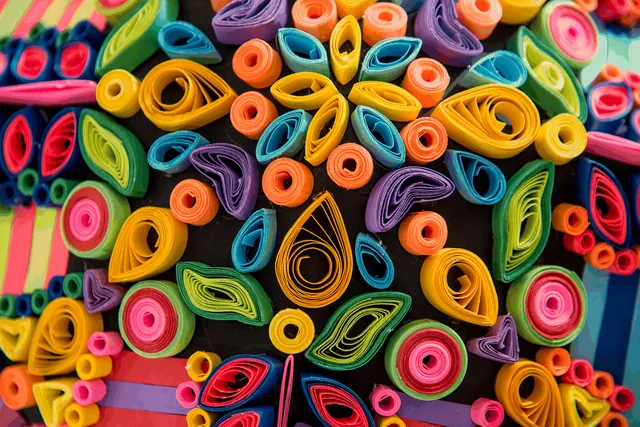
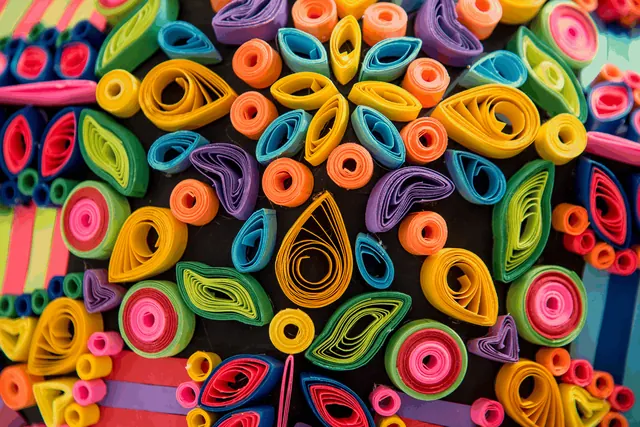
- Same 1,200 × 801 pixels
PNG stores the GIF’s colours exactly; the file is larger because PNG uses more colour depth per pixel.
Actual output of this tool, measured on 16 October 2026. Sample image used under licence.
How to use it
- Drop your GIF files in, or choose them.
- Press Convert.
- Download each PNG, or all of them as a ZIP.
What GIF to PNG does
Saves the GIF as a PNG still image at the same size. For animated GIFs, the first frame is saved.
When to use it
- You need a still image of a GIF for a document, profile picture or thumbnail.
- You want to edit a GIF graphic in an app that prefers PNG.
- A form accepts PNG but not GIF.
Good to know
- Animated GIFs: only the first frame is converted. The animation isn’t kept.
- Transparency is kept.
- GIF is limited to 256 colours, so the PNG shows exactly those colours; it can’t add detail.
Need a different frame?
This tool saves frame one, which is usually the cover image of an animation. If you need a specific frame, take a screenshot while the GIF plays, then crop it with Crop Image.
Privacy
Your files are processed inside your browser and not uploaded to any server. Closing or refreshing the page clears them. We don’t keep copies.
Limitations
- Up to 10 files per batch, 50 MB each.
- Very large images (over about 16 megapixels) may fail on some phones; you’ll see a clear message if so.
Frequently asked questions
Does it keep the animation?
No. PNG here is a still image, so the first frame is saved.
Is anything uploaded?
No. Everything runs on your device.
Can I choose which frame to save?
No. The tool saves the first frame, which is usually the cover image of an animation. For another frame, take a screenshot while the GIF plays, then use Crop Image.
Will the colors change?
No. A GIF holds at most 256 colors, and the PNG shows exactly those colors. PNG can’t add detail that the GIF never had.