BMP to JPG Converter
Turn bulky BMP bitmaps from scanners, old Windows apps and screenshots into small JPG files.
- Free, no signup
- Files stay on your device
- No watermark
See it in action
An uncompressed BMP of a sprinter, converted to JPG.
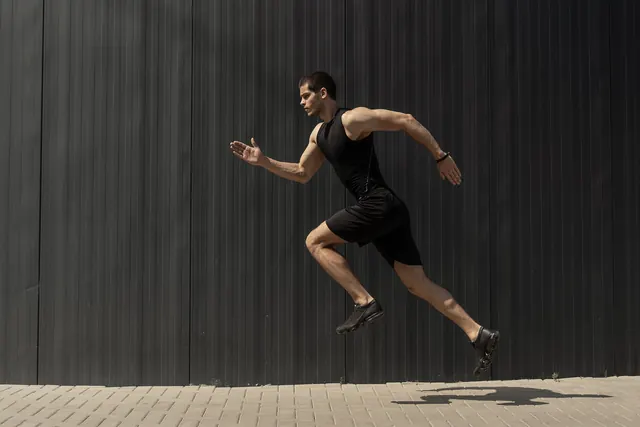
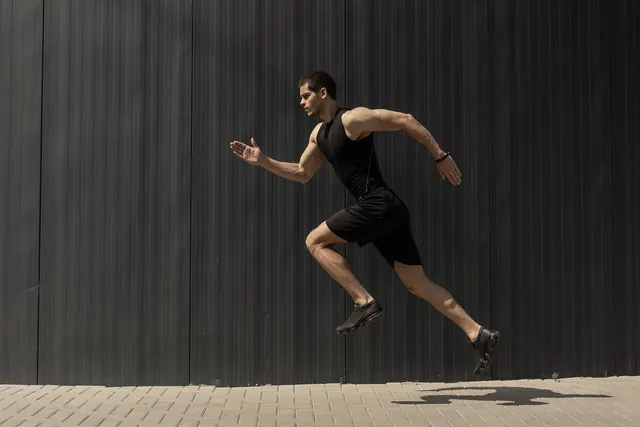
Zoomed to 100%: the same spot before and after
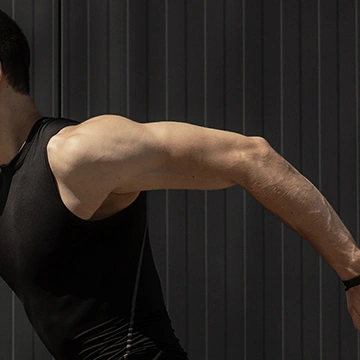
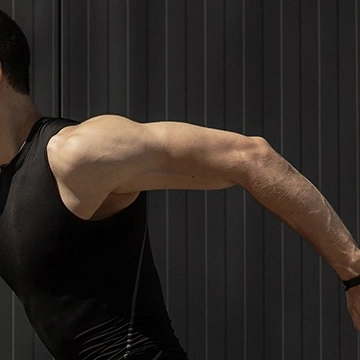
- 95% smaller
- Same 2,000 × 1,333 pixels
Actual output of this tool, measured on 16 October 2026. Sample image used under licence.
How to use it
- Drop your BMP files in, or choose them.
- Press Convert.
- Download each JPG, or all of them as a ZIP.
What BMP to JPG does
Reads each BMP and saves it as a JPG at the same dimensions. BMP stores pixels with little or no compression, so files are huge; the same photo as JPG is typically a small fraction of the size.
When to use it
- A scanner or older program saved images as BMP and they’re too big to email.
- A website or form doesn’t accept BMP.
- You want to free up storage space.
Good to know
- JPG is lossy, which suits photos and scans. For screenshots with text or sharp lines, BMP to PNG keeps edges crisper.
- Transparent areas (rare in BMP) become white.
- Dimensions are kept exactly.
How much smaller?
A 1920 × 1080 BMP at 24 bits per pixel is about 6 MB. As a JPG at quality 92 it is usually a few hundred KB, depending on detail.
Privacy
Your files are processed inside your browser and not uploaded to any server. Closing or refreshing the page clears them. We don’t keep copies.
Limitations
- Up to 10 files per batch, 50 MB each.
- Very large images (over about 16 megapixels) may fail on some phones; you’ll see a clear message if so.
Frequently asked questions
Is anything uploaded?
No. Your browser converts the files on your device.
Should I choose JPG or PNG?
JPG for photos and scanned pictures; PNG for screenshots, diagrams and text, which stay sharper.
Why are BMP files so large?
BMP usually stores every pixel with no compression at all. A 2,000 × 1,333 photo is about 7.6 MB as a BMP; as a JPG it was 382 KB in our example.
What JPG quality is used?
Quality 92 by default, which keeps photos looking the same as the BMP. You can lower it if you need a smaller file.