About this tool
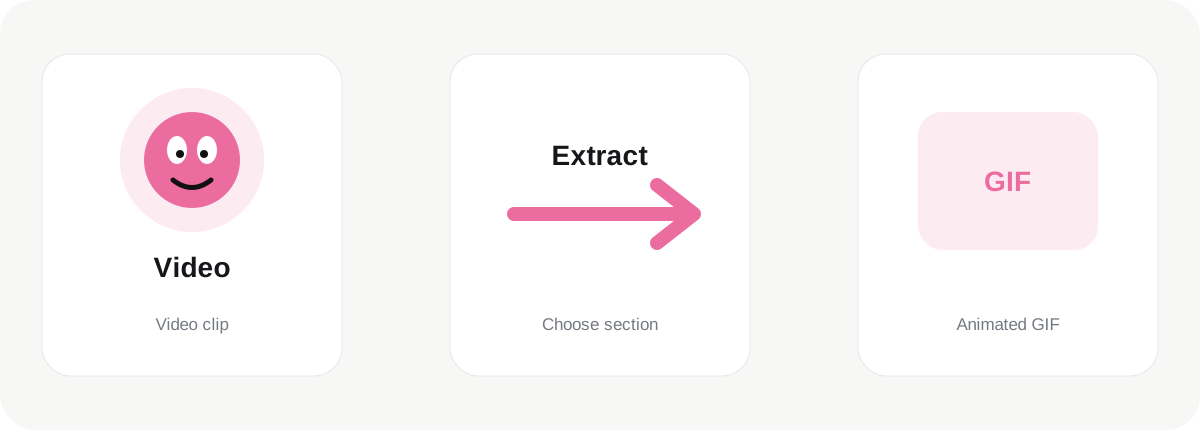
Video to GIF is designed for turning a short section of a video file into an animated GIF. GIF is an older animated image format, but it remains useful for short demonstrations, reaction graphics, simple product motion, lightweight tutorials and situations where a video player would be unnecessary. The tool keeps the workflow browser-based so the source material can be processed locally rather than uploaded simply to create a GIF.
How it works
This tool intentionally handles one video at a time because decoding and storing many video frames can consume substantial browser memory. The controls intentionally limit the workload to a practical range. GIF uses a maximum palette of 256 colors per frame, so photographs and gradients may show more banding than a modern video format. Larger dimensions, higher frame rates and longer durations also increase file size very quickly. For that reason, a short and reasonably sized animation is usually more useful than a huge GIF.
Working with multiple images
The generated animation uses a fixed color palette approximation to keep the browser-side encoder lightweight and free of paid services. This is suitable for quick web graphics and previews, but professional animation production may benefit from dedicated video or motion software with more advanced palette optimization and dithering.
Quality and output
Because encoding happens on your device, performance depends on the browser, CPU and available memory. A modern desktop browser will generally handle more frames comfortably than an older phone. If processing becomes slow, reduce the output width, lower the frame rate or shorten the duration before trying again.
Privacy and practical use
Use GIF when broad inline animation support matters more than compression efficiency. For long, high-quality motion, MP4 or WebM is normally a better format. Keep the original images or source video after creating the GIF so you can generate a different size or speed later without reusing an already compressed animation.
Before you download
JPGtoPNGnow keeps these GIF tools focused on simple creation rather than becoming a full video editor. The aim is to make short animations quickly, show clear limits, and let you download the result without registration, watermarks or a paid API.
A useful final check is to open the downloaded result before deleting or moving the original. Different browsers and platforms can scale or recompress images after upload, so the destination can affect how the final file looks. Keeping the source image gives you a reliable master for future versions and avoids repeatedly editing an already processed copy.
A useful final check is to open the downloaded result before deleting or moving the original. Different browsers and platforms can scale or recompress images after upload, so the destination can affect how the final file looks. Keeping the source image gives you a reliable master for future versions and avoids repeatedly editing an already processed copy.