Bulk by default
Convert one image or a full set of up to 20 files using the same output settings.
Drop up to 20 images. They convert directly in your browser, then you can download each result or grab everything in one ZIP.
Convert one image or a full set of up to 20 files using the same output settings.
The conversion runs in your browser for supported formats, so your images do not need to be sent to our server.
Save a single converted image immediately or download the whole queue in one ZIP file.
Reduce large bitmap files into practical JPG images.
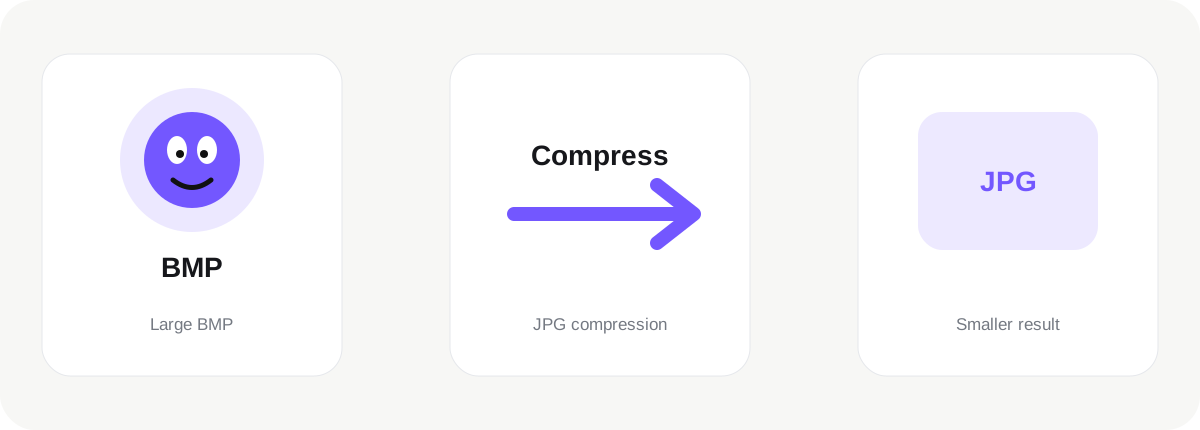
Converting BMP to JPG is useful when the destination requires a different image format or when you want a file that behaves better in a particular workflow. BMP files can be extremely large because many bitmap variants use little or no compression. JPG is much more practical for photographs, email, websites and everyday sharing. This page is designed for practical everyday conversion rather than a one-file-at-a-time process, so you can add up to 20 images to the queue and use one consistent output format across the complete set.
After you choose files, conversion starts automatically in the browser. Each image card shows the original file size and the generated JPG result size, which lets you see whether the conversion is helping before you download anything. You can save individual results when you only need one file, or download the entire converted queue in a single ZIP. There is no extra Apply step between changing a setting and preparing the result.
Format conversion changes how the image is stored; it does not magically improve the source. A low-quality image stays low quality after conversion, and compression artifacts already present in the source remain visible. JPG uses lossy compression, so the file becomes smaller by discarding some image information. For sharp diagrams, text-heavy graphics or assets requiring transparency, PNG can be a better destination. For this reason, the correct destination format depends on what matters most: compatibility, transparency, editability, web performance, file size or lossless storage.
This converter processes supported images locally in your browser in this version. The files do not need to be uploaded to our server simply to change format. That can be useful for personal photos, client material, internal work and product images. Browser support is strongest for common formats such as JPG, PNG and WebP; newer or less common formats may depend on your browser and operating system.
Use BMP to JPG when a website, application, document workflow or upload form specifically requests JPG, or when the properties of JPG better match your goal. If you are optimizing for a website, compare the generated size with your source instead of assuming one format is always smaller. If you are preparing an image for future editing, keep an original master copy before conversion.
JPGtoPNGnow keeps conversion intentionally simple: choose images, review the generated result, and download what you need. For more advanced work such as color management, layered editing or professional print preparation, dedicated graphics software is more appropriate. For quick compatibility and web-format changes, this page is designed to remove unnecessary friction while still showing the information that matters.